


Simplified Form Preparation Options for 990 Filings!
Choose the way you prepare your Form!
Preparing a 990 return can be time-consuming. To simplify this process, Tax990 offers two different filing methods – Form-based filing and Interview-based filing. You can choose the method you prefer and prepare your 990 form easily and accurately.
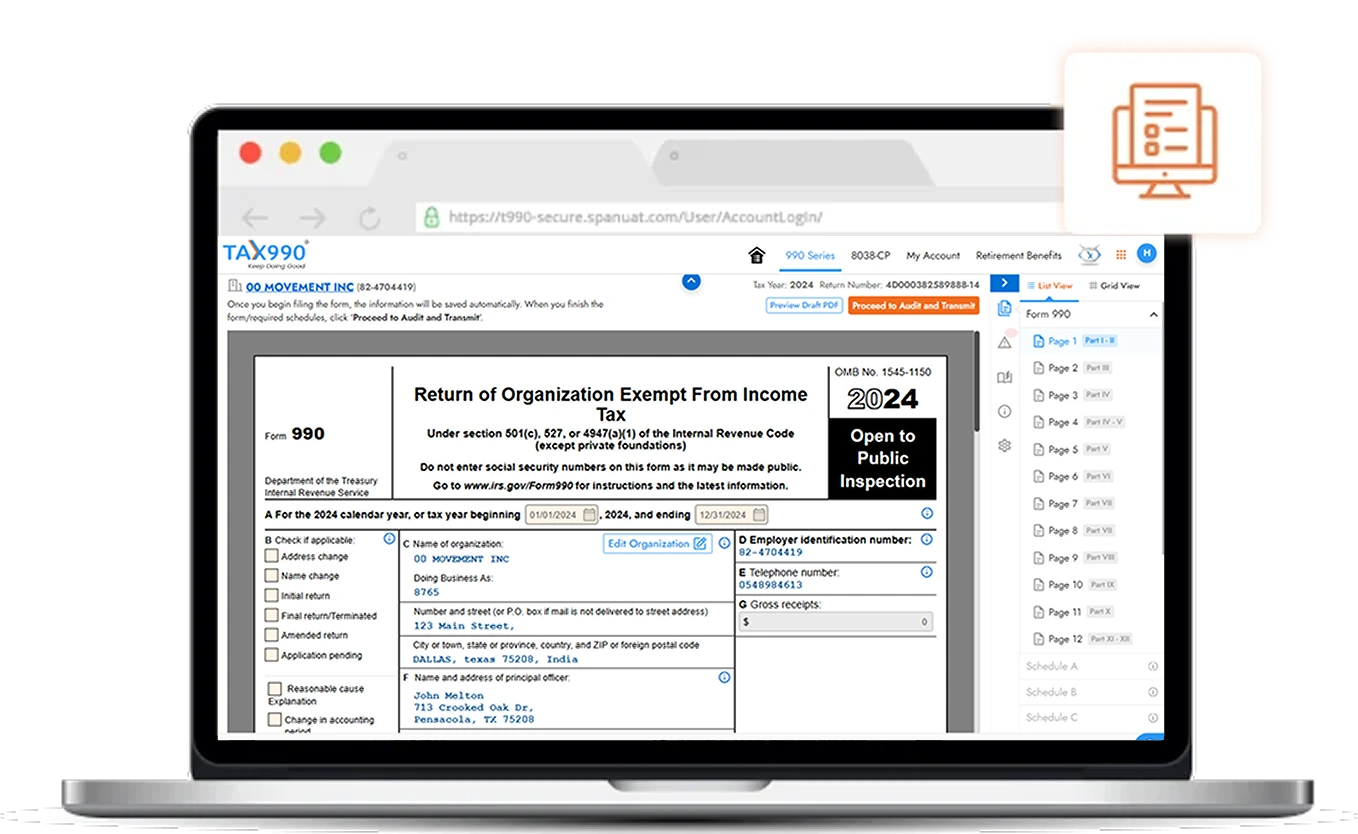
Form-Based Filling Method
- This method allows you to enter the necessary information directly on the respective fields of your 990 form.
- Based on the data you enter, our system will automatically include the necessary Schedules.
- If you are a CPA or previously used to file 990 on paper, this method is recommended for you!
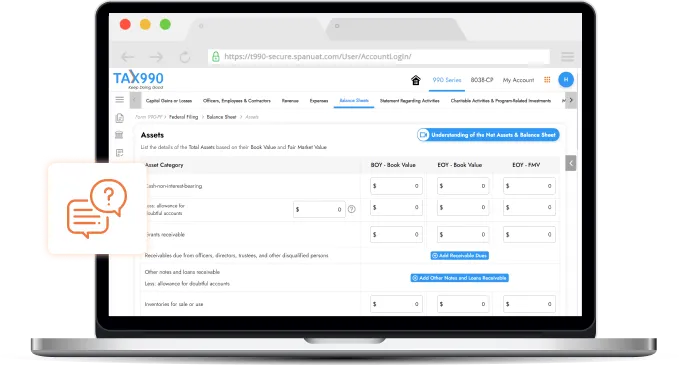
Interview-Based Filling Method
- Instead of entering data directly in the form, you can use this method to answer a series of questions and let our system generate your 990 forms based on that.
- The Schedules that are necessary will be automatically included based
on your answers. - This method is recommended for first-time 990 filers!
Frequently Asked Questions
Yes! You can switch the filling method mid-way from interview to form-based or vice versa. For that, you need to click on the 'Switch to' button in the 'Nonprofit Returns' option from the Dashboard.
Note: You can switch your filling method only for Form 990-PF, 990-EZ, and 990. You may move from the interview-based filing flow to the form-based filing flow without losing your progress; however, if you switch from the form-based flow to the interview-based flow, your progress will not be retained and you may need to start from the beginning.
No! There are different bulk upload templates available for Form-based filing and Interview-style filing methods. You can use the ones that apply to you while filling out the form.